
Jigsaw LabAppsLearning
Parle: Speak French
Learn the French people actually speak.
Most apps teach one generic French. Parle lets you choose the accent you want to sound like, and every phrase, audio clip and quiz adapts to it.

Screenshots
See it in use

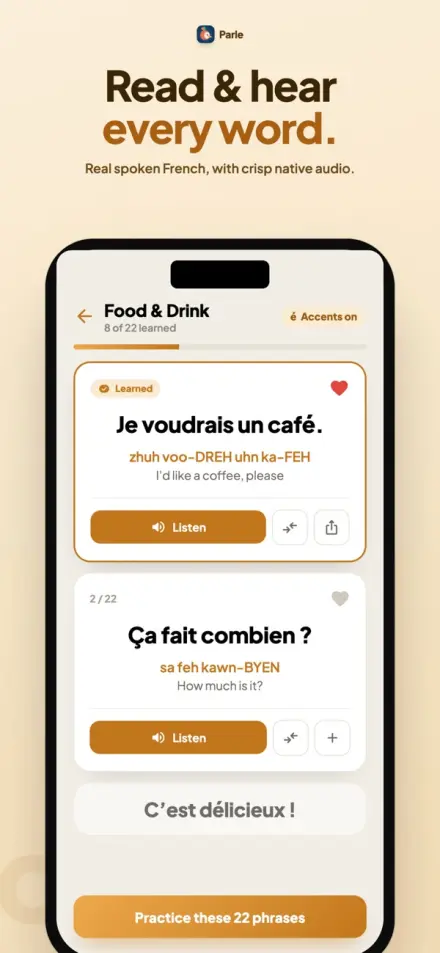
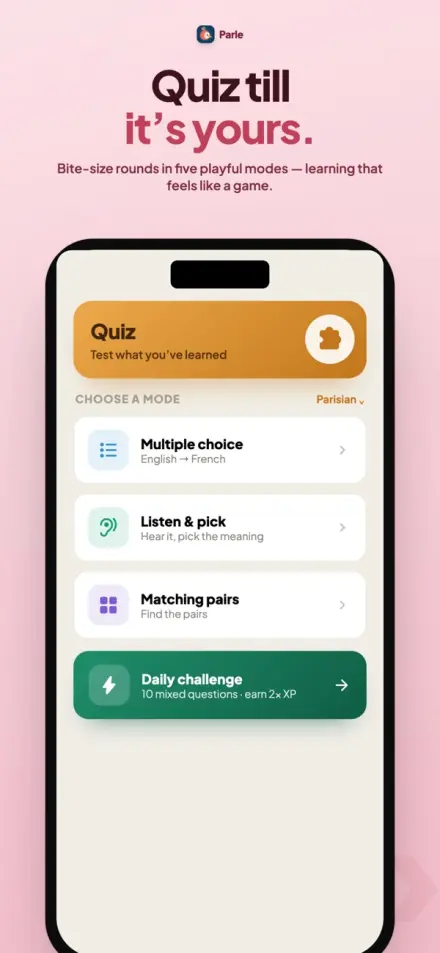

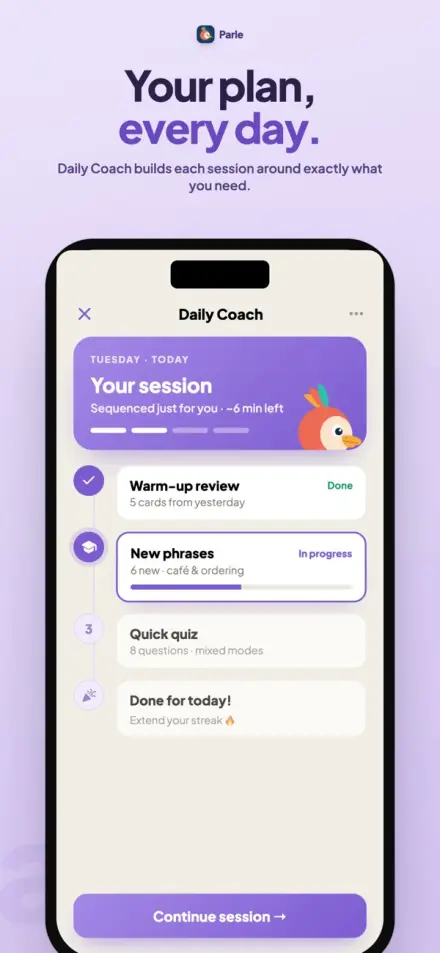
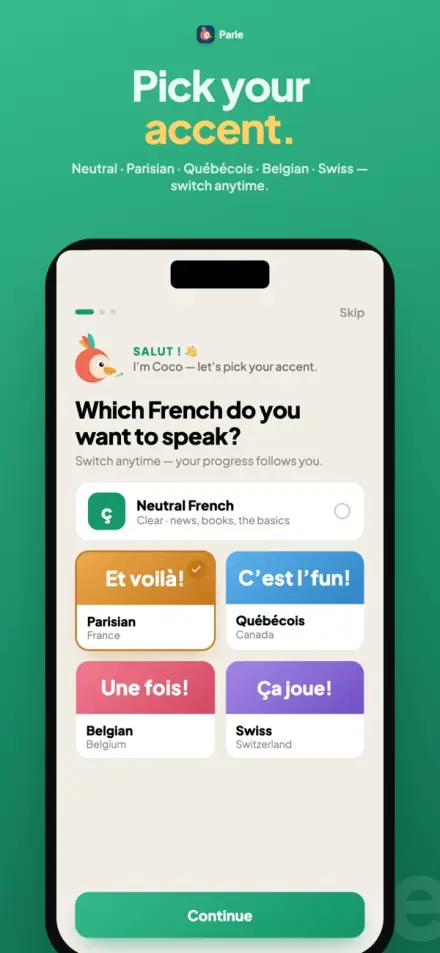
Screenshots from the app's App Store listing.
Key features
What it does
Five regional varieties
France, Québécois, Belgian, Swiss and African French.
20 lessons, 200+ phrases
Greetings, food, travel, family, numbers, directions, shopping, health and more.
Audio on every phrase
At normal and slow speed, with a pronunciation hint under each word.
Flashcards and quizzes
Spaced repetition, multiple choice, listening and build-the-sentence.
Pronunciation scoring
Say it out loud and get instant feedback.
Fully offline
No account, no sign-up and no internet required.
Details
The facts
- Platforms
- iPhone and iPad, iOS 17.0 or later; Android (Google Play)
- Languages
- English and Spanish (app interface).
- Price
- Free to download.
- Category
- Education (App Store)
- Age rating
- 4+ on the App Store
- Latest version
- 1.1, updated September 2026
- History
- On the App Store since July 2026.
FAQ
Questions
What is the difference between the varieties?
You see real differences side by side, such as voiture / char and petit-déjeuner / déjeuner.
Is Parle free?
Free to download.
Which devices does it run on?
iPhone and iPad with iOS 17.0 or later. It is also on Google Play for Android phones and tablets.
Does it work offline?
Yes. Parle is fully offline.
Which languages does it support?
English and Spanish (app interface).
How do I get help?
Email [email protected] and tell us your device and what happened. A person on the team replies.
Get Parle